

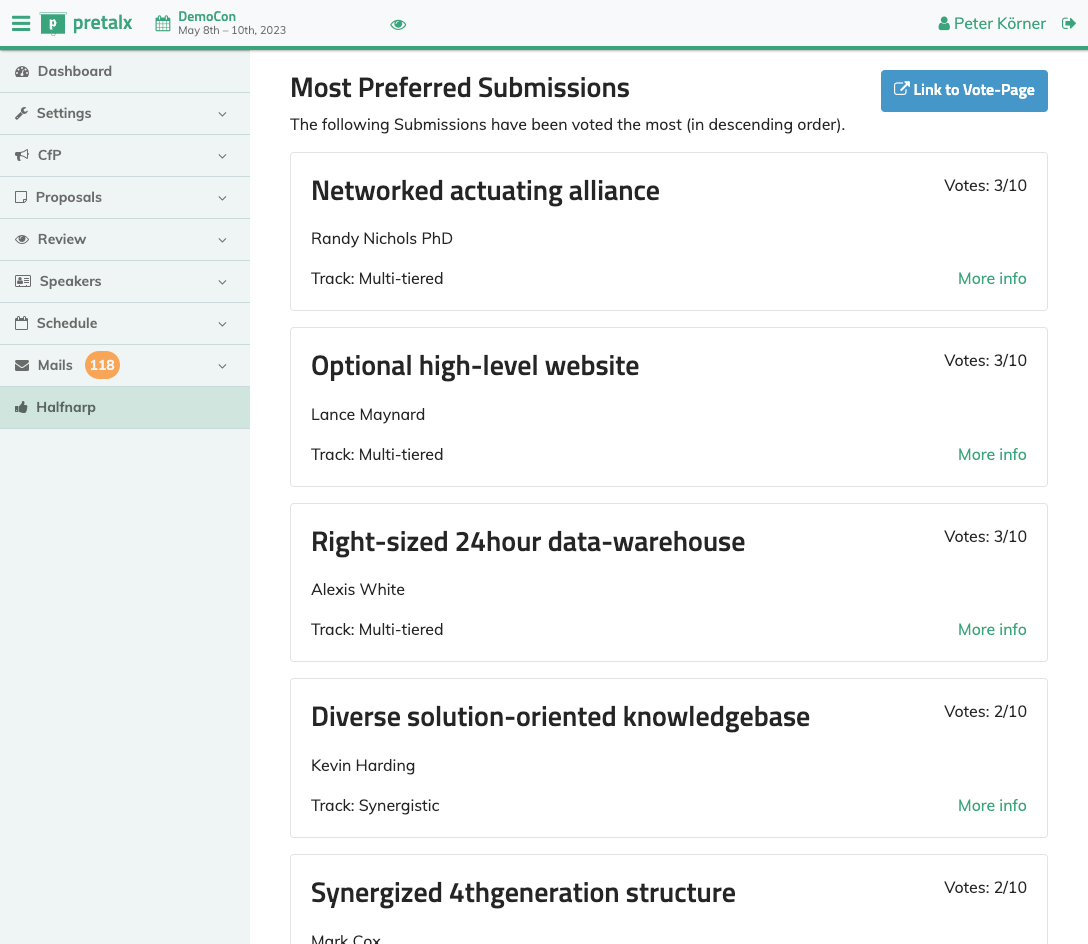
This is a plugin for pretalx that helps you to estimate the interest in your submissions and plan room-sizes accordingly by scheduling the most requested submissions into the larger rooms.
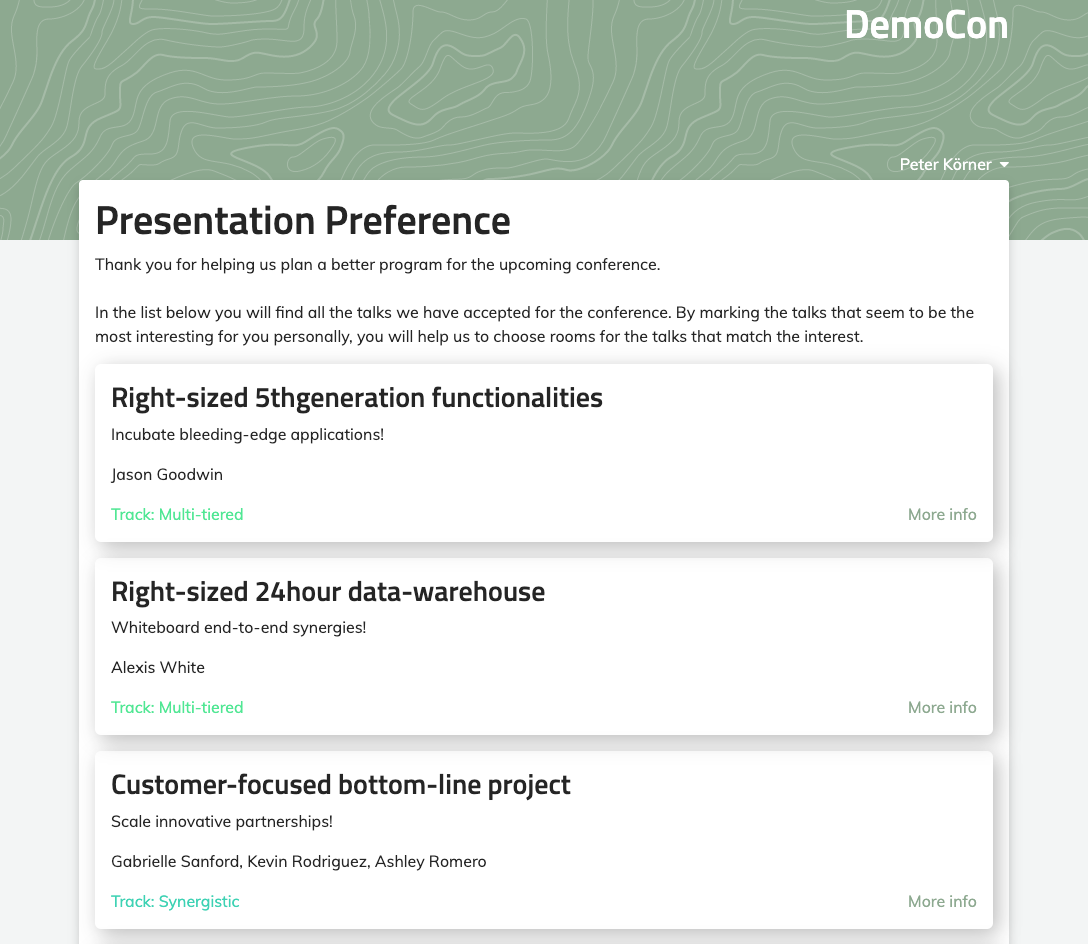
It presents a Voting-Interface to visitors, where they can pick their most favourite submissions. All submissions in the "Accepted" and "Confirmed" state are shown, so that you can use Halfnarp before beginning to plan your schedule. The order of the submissions is randomized per viewer to avoid a bias towards the top results.
Halfnarp is an anagram of Fahrplan, a not-yet sorted Fahrplan.
Install the plugin with pip, in the same environment as your pretalx installation:
(env)$ python -m pip install pretalx-halfnarp
Afterwards, run migrate and rebuild and restart your pretalx services,
just like after any pretalx update (see performing updates in the
administrator documentation).
You can then enable the plugin under "Settings → Plugins" in your event settings.
- Make sure that you have a working pretalx development setup.
- Clone this repository, eg to
local/pretalx-halfnarp. - Activate the virtual environment you use for pretalx development.
- Run
pip install -e .within this directory to register this application with pretalx's plugin registry. - Restart your local pretalx server. This plugin should show up in the plugin list shown on startup in the console. You can now use the plugin from this repository for your events by enabling it in the 'plugins' tab in the settings.
This plugin uses just as a task runner and uv for dependency management.
Run just with no arguments to list every available command. The most useful ones
are:
just fmt- Auto-format and lint the code.
just test- Run the full test suite with pytest.
The tests need pretalx installed in the environment. just test handles this for
you: if pretalx cannot be imported, it installs the latest version from git before
running the test suite.
If you already have a development version of pretalx around (for example if you want to test your changes against a specific commit or branch of pretalx), you can also install pretalx up front yourself:
just install-pretalx-local /path/to/pretalx- Install pretalx from a local checkout as an editable install.
just install-pretalx- Install the latest pretalx from git (runs before tests if no pretalx is installed).
Copyright 2023 Peter Körner
Released under the terms of the Apache License 2.0