Repository navigation
3Vivado
This installation will require about 28 GB in /opt directory.
Warning: on computers that are not setup in English, locales might be inappropriate for Vivado to run properly, and it will probably crash with no error message. Check that in the file /etc/locale.gen, the line en_US.UTF-8 UTF-8 is UNcommented. If it was commented, remove the comment mark, save the file and execute as root the command :
locale-gen
We assume the user is registered with Xilinx, has a working password and access to the Download area.
Download Vivado 2019.2
Install Vivado HL WebPack and Bootgen which is part of the SDK.
As root
chmod +x Xilinx_Unified_2019.2_1106_2127_Lin64.bin
./Xilinx_Unified_2019.2_1106_2127_Lin64.bin
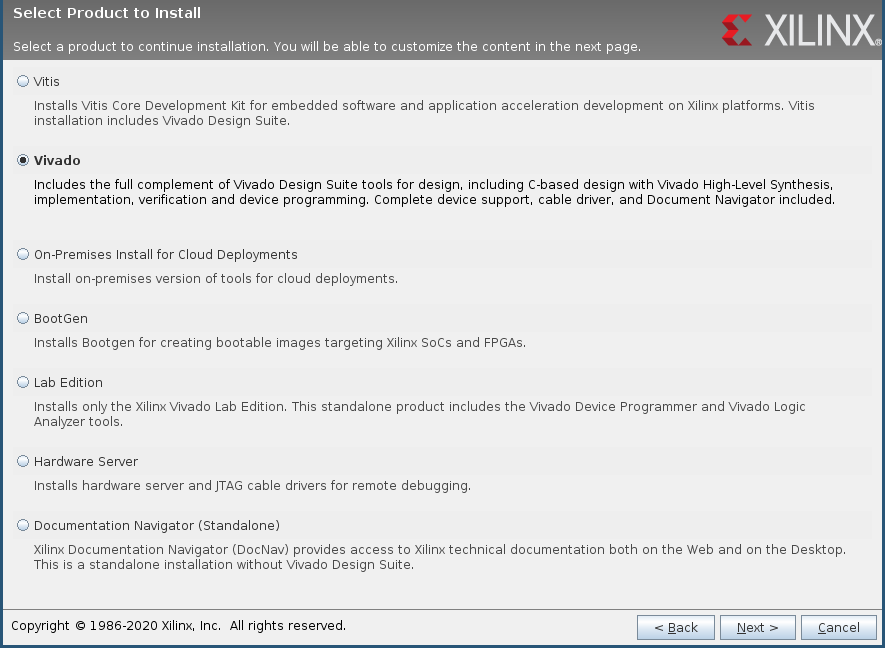
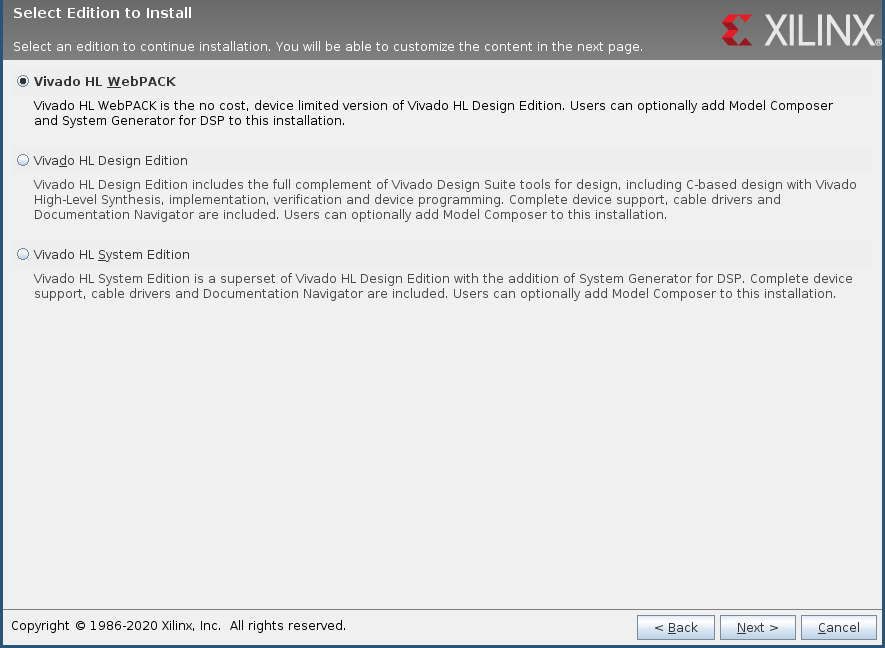
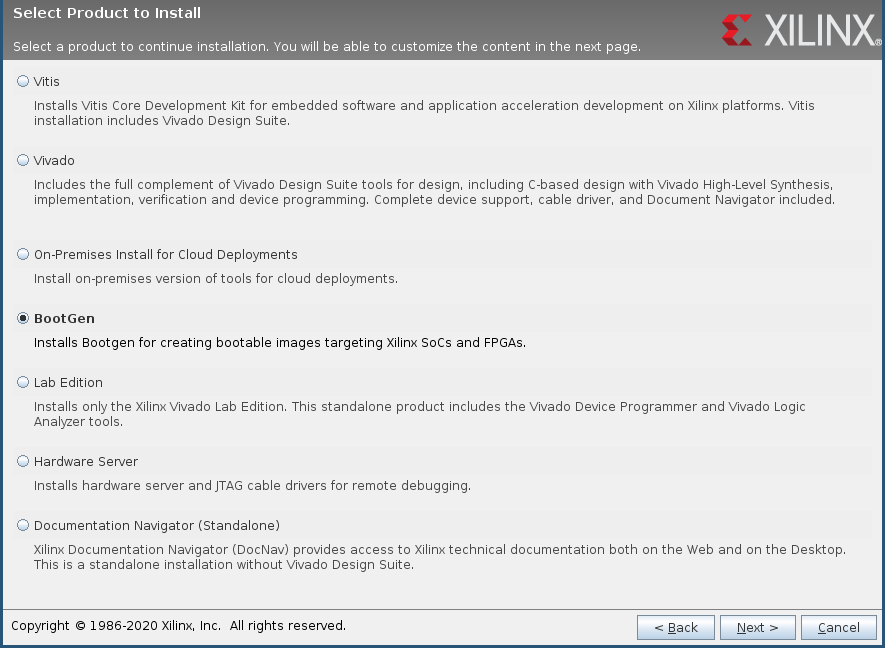
Source your fresh Vivado install
source /tools/Xilinx/Vivado/2019.2/settings64.sh
Check the installation with:
vivado -version
bootgen